
ClearDate exists to make one annoying thing simple: getting a group of people to agree on a time. But a tool for that only works if it gets all the details right. If inviting people is a chore, or responding forces you to create an account, many people just won’t bother. If you can only capture some people’s availability, you’re still stuck comparing between an app and a bunch of notes. If guests can’t easily distinguish between the event’s timezone and their own timezone, you’ll end up just adding confusion and frustration.
So I’ve released some improvements to get these things just right.
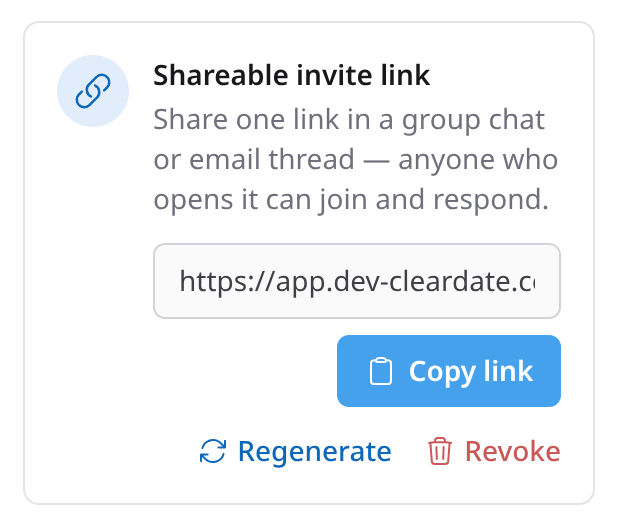
Invite people by sharing a link
When you’re planning an event, you don’t always have everyone’s email handy, and you’re usually already talking to the group somewhere else, like a text thread or a group chat.
Now you can grab a link and drop it wherever that conversation is already happening. Anyone with the link can open it and fill in when they’re free.
Respond without creating an account
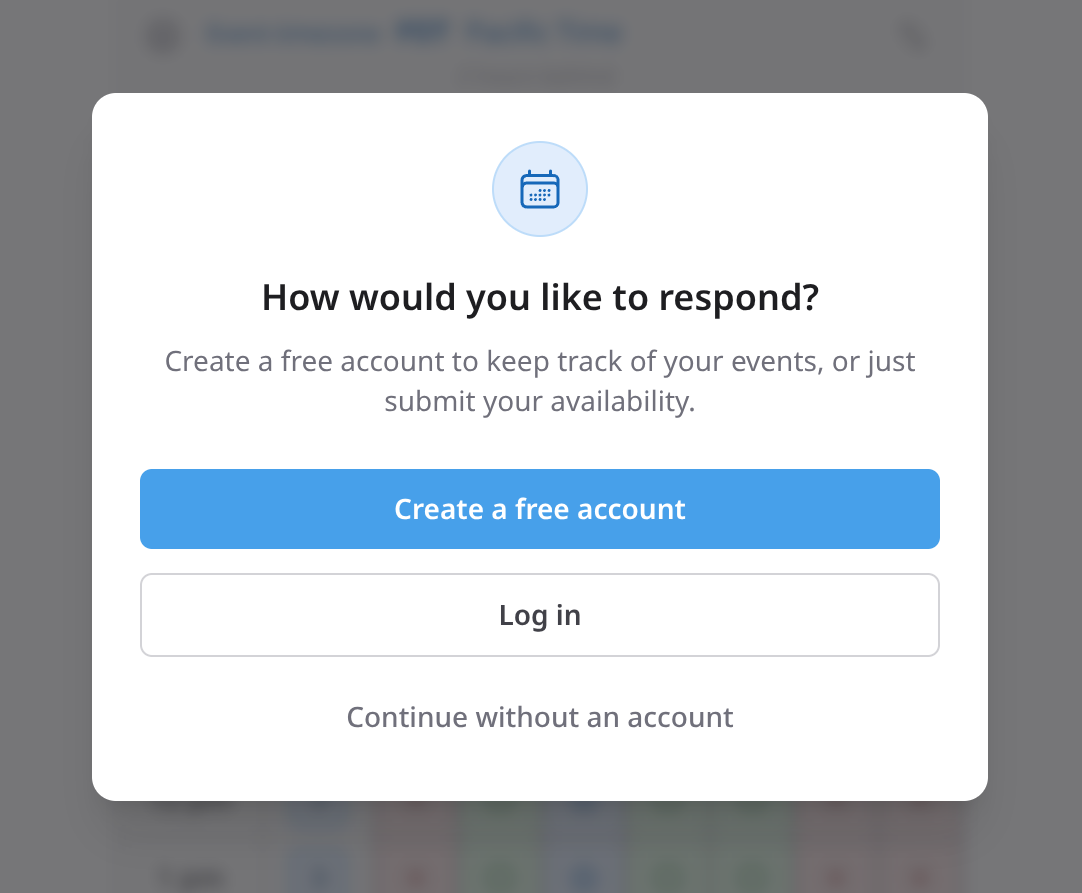
While it’s super easy for guests to create a free ClearDate account that allows them to keep track of any events they’re invited to, many people simply won’t want to bother with that.
Guests can now respond without an account at all. They open the invite, fill in their availability, add their name (so the host can see who replied), and hit send.
Fill in availability for a guest
You’re trying to schedule an event. You send an invite and some people promptly click the link and fill out their availability.
And then there are some people who just respond “Sounds good! I’m free any day next week except Tuesday.”
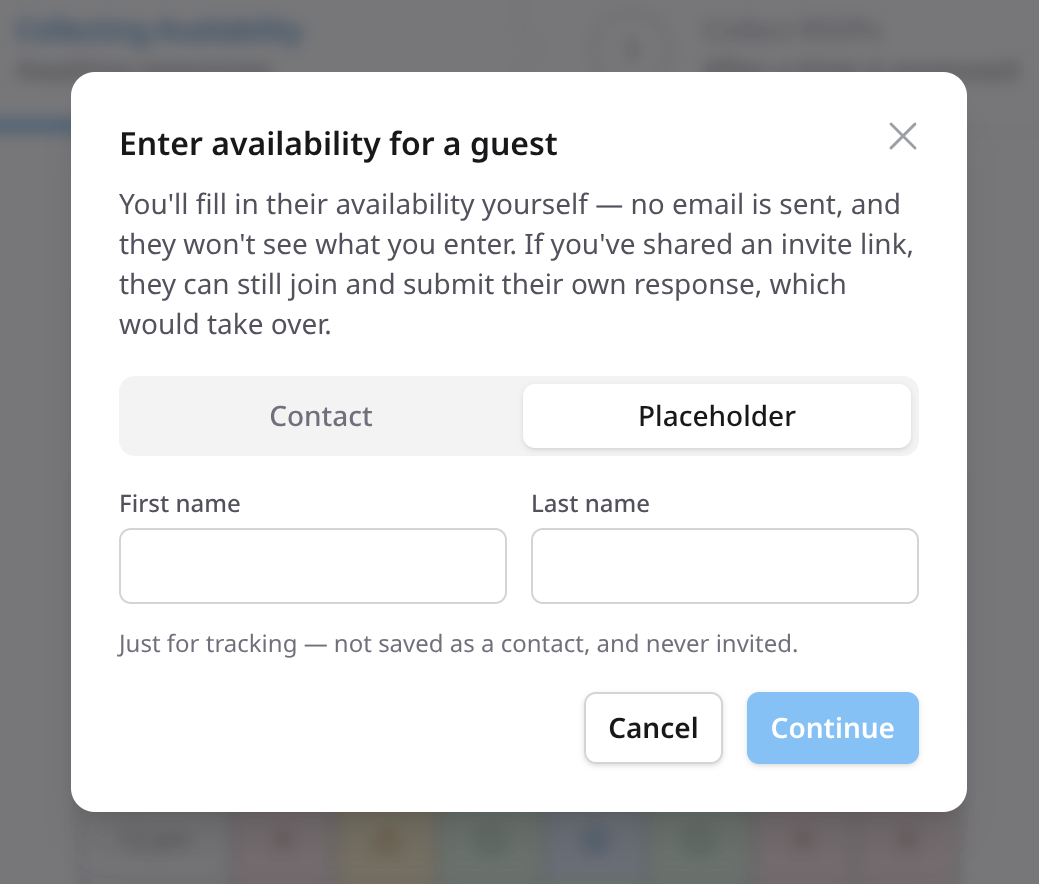
But now you have some people whose availability is easily comparable in the app, and some people who’ve just told you their availability and have no intention of entering it so you can easily compare.
Well now, all you have to do is click “Enter availability for someone”, enter their name, fill the calendar with green, fill Tuesday with red, and save. Now you can see how their availability lines up with everyone else’s without having to pester them to go through the steps themselves.
Real timezone support
Coordinating across timezones can be tough. Your tools should make it easier.
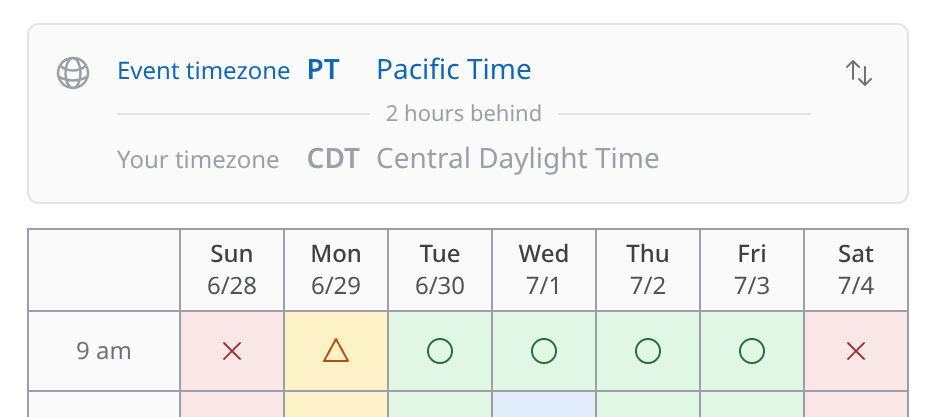
When you create an event, you pick the event timezone. ClearDate now supports all major timezones worldwide.
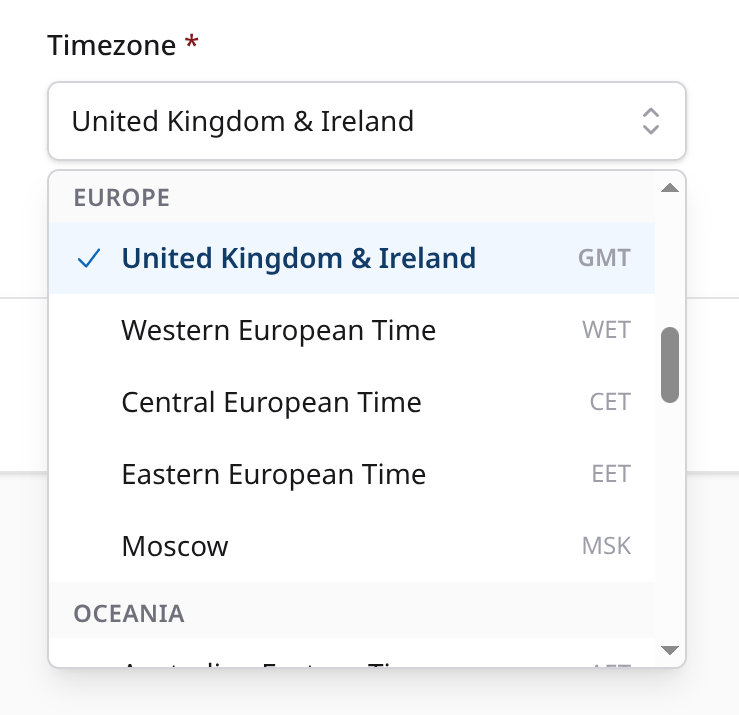
After that, anyone looking at the event can switch between the event’s timezone and their own. No more having to calculate time differences in your head.
A bit of polish
Those are the big changes I’ve released recently. Along the way, I’ve also tackled dozens of smaller improvements and fixes. You can edit your responses and RSVPs after submitting. You can invite more guests after the first round of invites goes out. I’ve clarified some of the wording, cleaned up some of the screens, and more.
For the full list, see the changelog.
Give it a try
If you gave ClearDate a try before and ran into some friction, I’d love for you to take another look, because a lot has improved.
If you’ve never used it, the quickest way to get a feel for it is to try the demo: fill in some availability or compare guest responses to find the best time.
Have an idea for what ClearDate should add next? I’d love to hear about it.